Free Grok AI Video Generator: Create Videos from Photo/Text with xAI's Grok Imagine Online

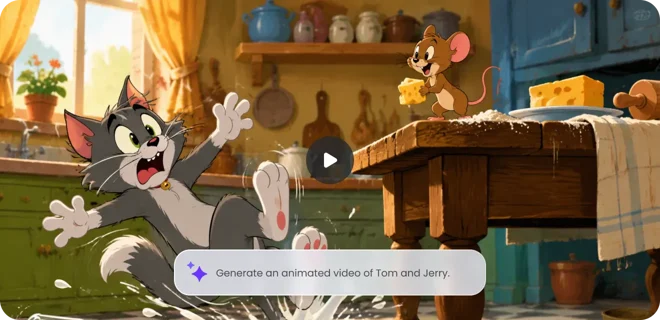
Animate still images or text prompts into short videos with xAI’s Grok Imagine Video. Simply long-press a picture online to instantly turn it into cinematic clips or deepfake-style content with native audio for free.

ModelsSeedance 2.5Live Now
Prompt
Upload images as references, e.g., @Image1
Aspect Ratios
2:33:21:116:99:16
Aspect ratio does not apply when using a single image.

Credits required: 0

Sample Video

Exploring More Grok Imagine Video Alternatives in EaseMate AI

Wonder the best Grok Imagine Video alternatives for video generation in 2026? Browse the list below to explore more leading video models online.

Why Choose Grok Imagine AI Video Generator in EaseMate AI

Powered by Aurora Engine technology, our free Grok Imagine AI video generator can animate still images, text, or a combination of them into 6-15 second videos with synced audio and lightning-fast speed. Upload any photo online to see how it comes to life in a flash!

Generate Videos with Grok Imagine for Free

Generate Videos with Grok Imagine for Free

Bring your imagination to life with our Grok Imagine AI video generator. After logging in, you'll receive daily credits to create high-quality videos and images. Just describe your concept or upload a photo, and then Grok Imagine Video will transform them into engaging animations while maintaining the face, style, and scenes consistent across the entire clip.

  • Daily free video creation credits
  • Instant 6-15 second video generation
  • Zero-shot identity preservation
Convert Image to Video with a Long Press

Convert Image to Video with a Long Press

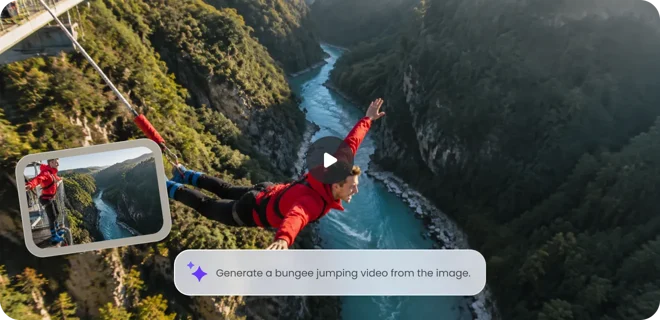
According to Elon Musk, you can long-press on any image to turn it into a video immediately. Simply drop a product image and then our Grok AI image to video generator will convert it into stunning 360° videos that might significantly increase your conversion rate on your online store. Compared to manual videography, this free Grok video generator offers speed, affordability, and unmatched creative flexibility for content creators and businesses.

  • Image to video animation
  • Realistic 360° product showcases
  • Affordable alternative to videography
Instant Text to Video Generation with Sound

Instant Text to Video Generation with Sound

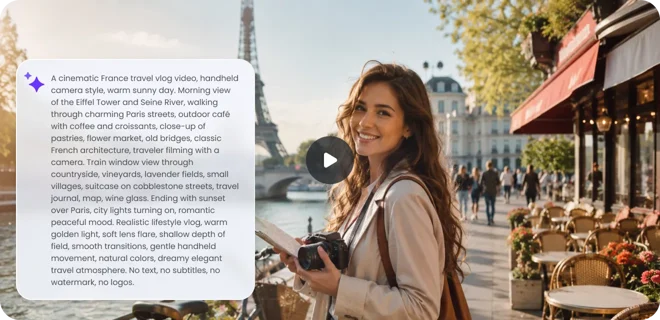
Beyond image to video generation, this free Grok Imagine AI video generator also has stunning text to video capabilities. Just enter a few descriptive sentences, and then you can get cinematic short clips in moments. Powered by Aurora multimodal AI technology, our Grok AI video generator goes beyond simple animations. It can handle realistic visuals and motions with synchronized audio effects like dialogue, music, and sound effects.

  • Strong prompt following
  • Native audio creation
  • Natural voice-to-action alignment
Precisely Control Style with Multiple Video Generation Modes

Precisely Control Style with Multiple Video Generation Modes

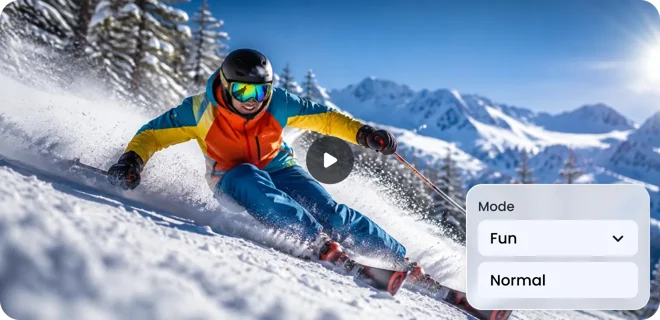
With our free Grok Imagine video maker, you can shape your video content with 2 distinct modes: Normal and Fun. Normal mode focuses on professional-quality and realistic animations for everyday use. Fun Mode embraces humor and exaggeration that are perfect for memes and casual storytelling. These flexible options let anyone produce videos that perfectly fit their mood, brand, or storytelling needs.

  • Explore multiple video generation modes
  • Full creative control over animations
  • Flexible AI video customization

Copy-Paste Grok Imagine Video Prompts Online

Learn from real-world Grok Imagine Video examples featuring detailed prompts and corresponding outputs. Understand prompt structures, creative techniques, and practical ideas to generate higher-quality videos in less time.

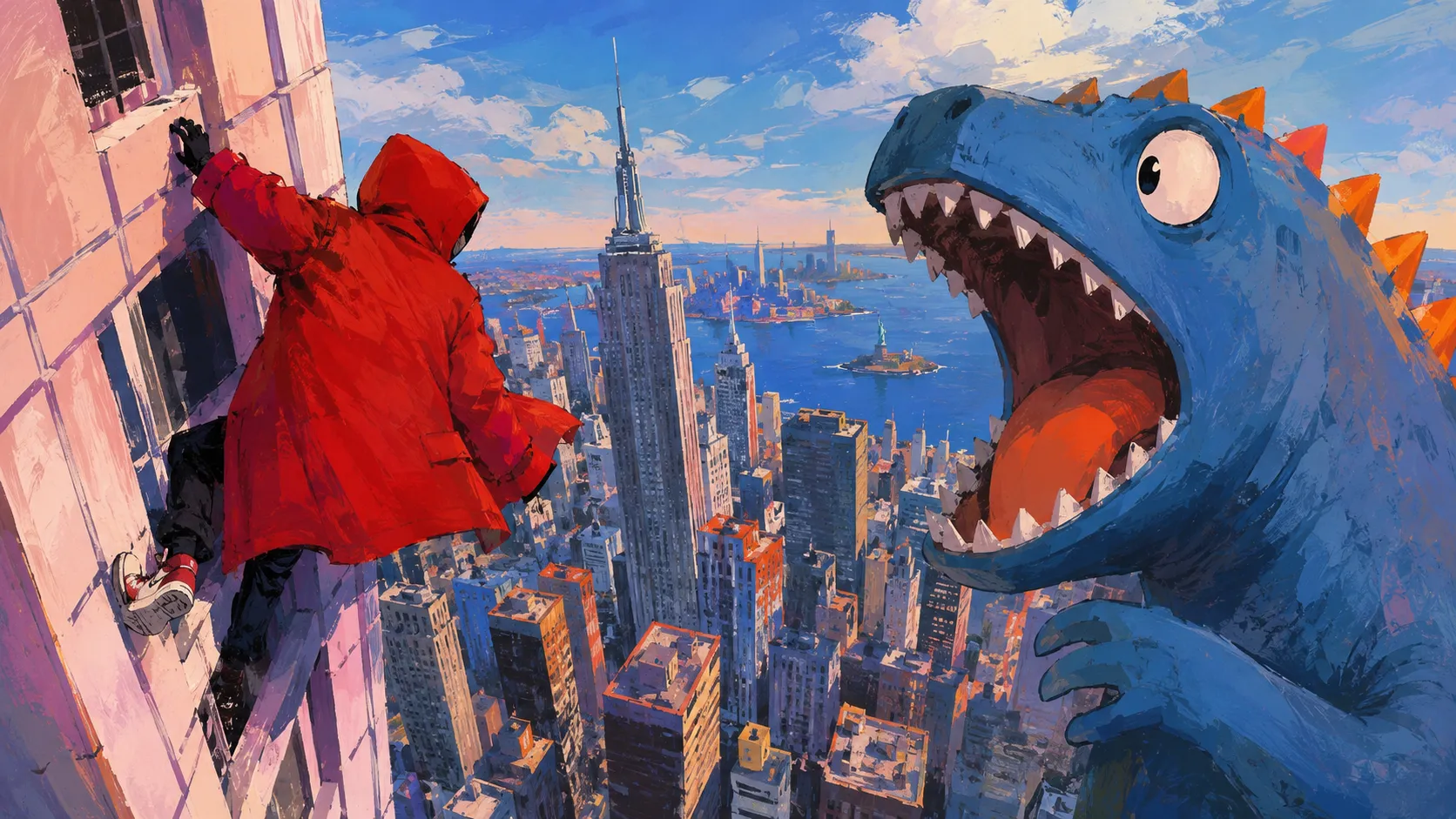
Cinematic Monster Clash

The monster and the man charge into a chaotic fight in city. The man wins, fast-paced action. 14 different camera angles

Magic Cat Wizard

Wizard Cat Casting Spell in Cozy Library, 3D Render

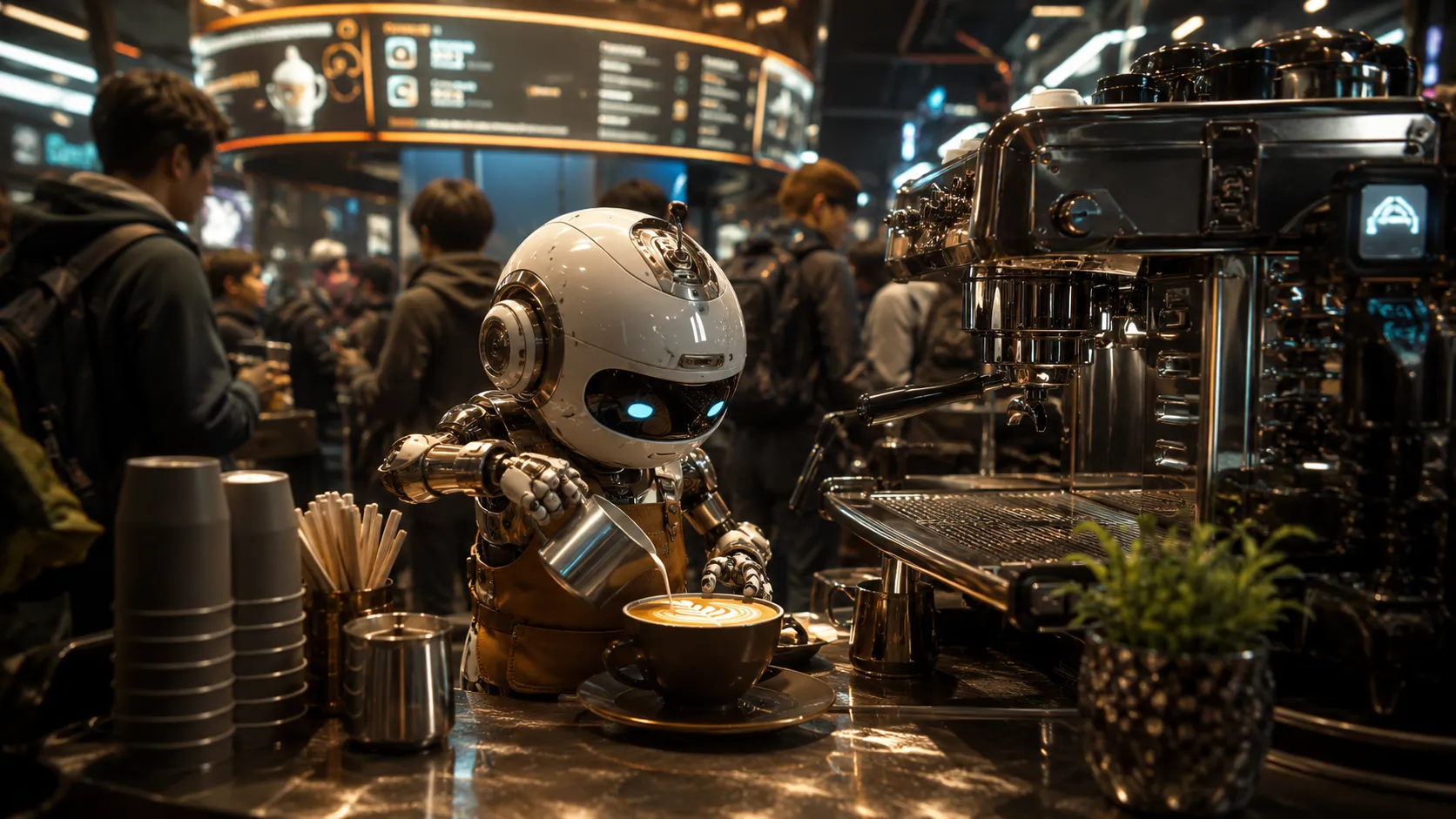
Robot Barista Surprise

A tiny robot barista tries to make latte art inside a crowded futuristic cafe. The foam accidentally forms a perfect smiley face, and everyone at the counter reacts with surprised laughter. Quick comedic timing, handheld social video feel, warm cafe lighting, clear robot expression, no text overlays.

Global Journey Hyperlapse

One traveler races around the world in a cinematic hyperlapse: aurora over Norway, the mirror salt flats of Bolivia, a hot-air balloon over the Serengeti, and the baobabs of Madagascar at sunset, smiling to camera at every stop

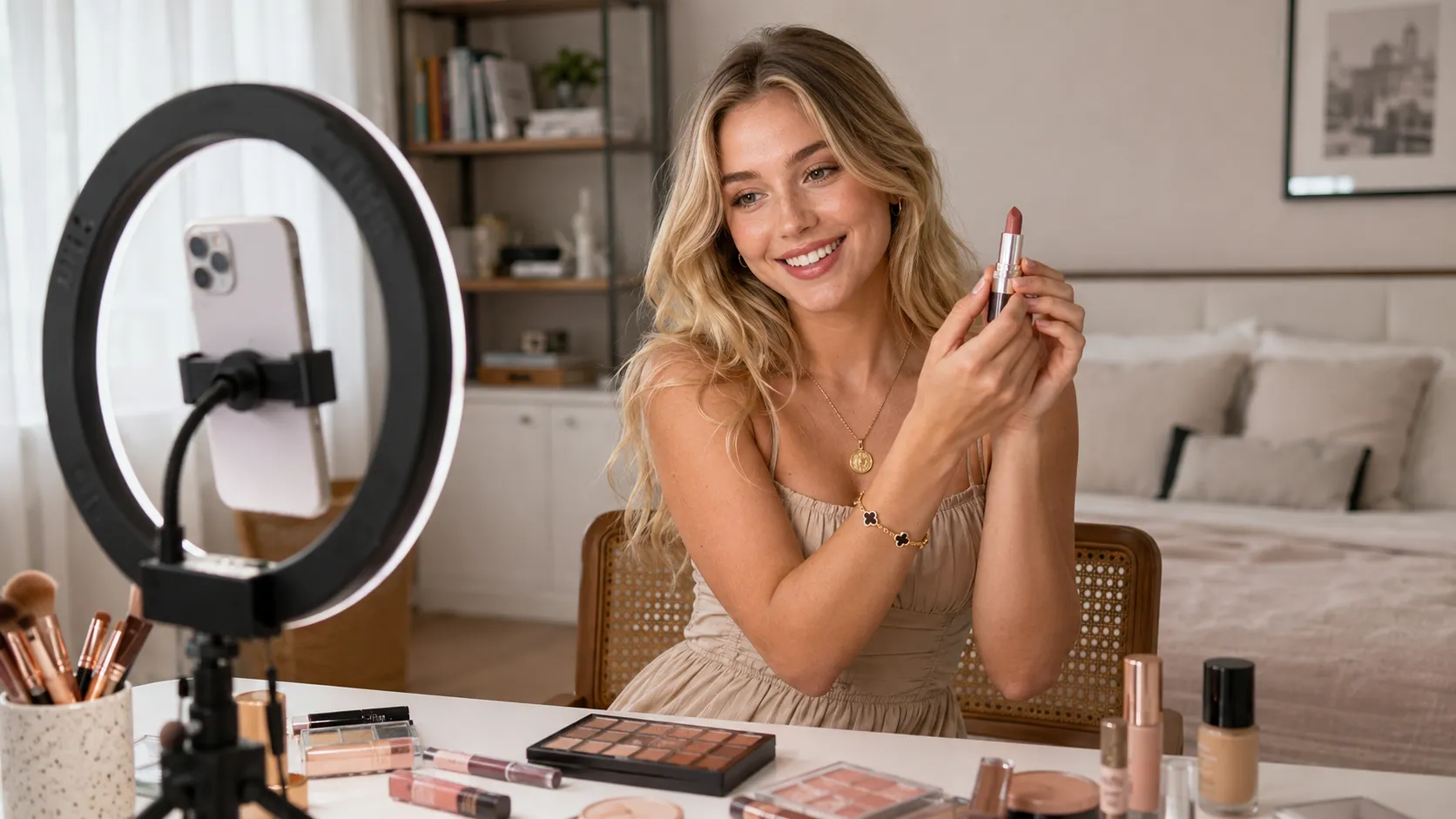
Realistic Beauty Ad

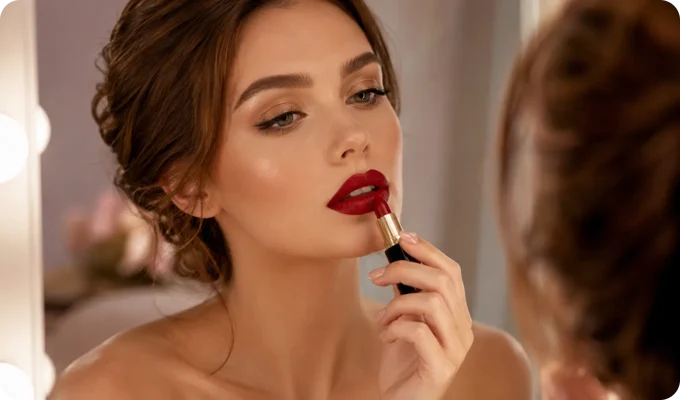
(0-5s) Medium shot, she speaks warmly while gesturing to a product. (5-10s) Slow push-in to a close-up, glowing skin and expressive eyes. (10-15s) Cut to an over-shoulder framing of the vanity as she smiles. Glossy, warm, cinematic.

Cinematic Anime Cooking

Create a cinematic anime-style cooking video showing the outdoor preparation of authentic beef pho at a peaceful riverside campsite. Begin with slicing marbled beef, preparing ginger, onions, whole spices, fresh Thai basil, bean sprouts, and lime, then simmer beef bones, aromatics, and spices in a cast-iron pot over a crackling campfire to create a rich broth. Finally, place rice noodles in a ceramic bowl, top with thin beef slices, pour steaming broth to gently cook the meat, and finish with herbs, chili, red onion, and lime. Capture warm golden lighting, cozy camping vibes, detailed food close-ups, smooth transitions, and beautiful anime-inspired visuals.

Who Can Benefit from Our Grok AI Video Generator?

Grok Imagine Video can help people from all walks of life to bring their ideas into life. Whether you are a creator, designer, marketers, or storyteller, it produces visually stunning videos with less effort and more creativity.

Social Media Creators & Influencers

Social Media Creators & Influencers

Thanks to the text to video and image to video capabilities of our Grok Imagine AI video generator, you can create more scroll-stopping content easier and faster. Instead of combining multiple editing tools, influencers can generate visuals and matching audio in one process. Whether creating daily posts, viral challenges, or sponsored content, they can quickly experiment with new formats and pulish videos for TikTok, Instagram, YouTube Shorts, and X.

Photographers & Concept Designers

Photographers & Concept Designers

With Grok Imagine Video, it takes a few clicks to turn photography and digital artwork into engaging videos. Instantly convert portfolio images into dynamic animations with realistic motion effects, such as natural winds, camera zooms, and environmental changes. Whether creating a fashion showcase, art presentation, or visual concept demo, creators can prototype ideas quickly without complex editing software or manual keyframes.

Marketers and Product Teams

Marketers and Product Teams

For marketers and online store retailors, they can transform visual assets into powerful marketing videos instantly. You can create a 6-15 second cinematoc reveals with camera movements and ambinet audio. Product teams can also prototype app experiences, product concepts, and design ideas through fast image to video generation.

Anime & Fantasy Enthusiasts

Anime & Fantasy Enthusiasts

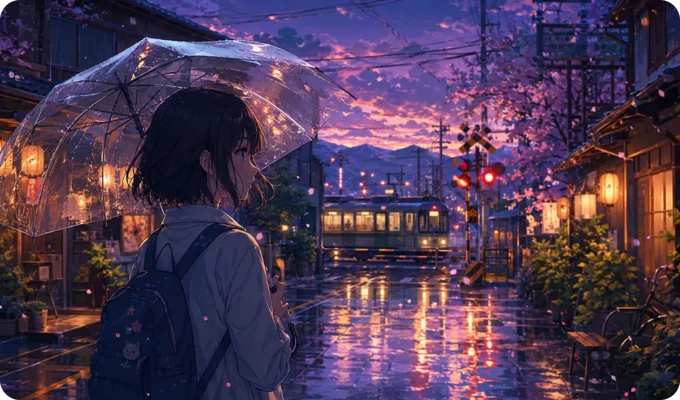
Instantly bring your favorite anime characters and fantasy artwork beyond the frame. Upload anime characters, fantasy illustrations, or magical landscapes, and animate them with realistic motion, cinematic camera effects, and synchronized audio. Create moving hair, flowing clothes, magical effects, and fantasy soundscapes while building unique worlds faster with simple text prompts.

Grok Imagine Video vs Grok Imagine Video 1.5 vs Seedance 2.0

Features/ModelsGrok Imagine VideoGrok Imagine Video 1.5Seedance 2.0
Best forFast content creationCinematic multi-shot storytellingProfessional video production
Reference InputsText+ImageText+ImageText+Images+Video+ Audio
Native Audio GenerationAI music, sound effects, dialogueBetter audio sync and realismAdvanced native audio-video generation
Camera ControlBasic zoom, pan, trackingMore cinematic camera movementsAdvanced director-level controls
Motion QualitySmooth short clipsBetter character motion and consistencyHigh-Quality complex scenes
Generation SpeedFastestFast with higher qualityQuality-focused generation
Max Duration6 to 15s8 to 15sUp to 15s
Output QualityUp to 720PUp to 720PUp to 4K

What Makes Grok Imagine Video Different from Other AI Video Generators?

From text prompts to reference images, Grok Imagine Video delivers realistic scenes with matching audio, precise motion control, and cinematic styles for every story. Let’s see why does this Grok AI video model stand out.

Native Audio Synchronization

Each scene comes alive with synced audio, natural dialogue, and realistic effects. Lip movements match speech, while sounds align perfectly with visual actions.

Image to Video and Text to Video

Generate dynamic videos from text and images instantly. Lock in character or product details while directing realistic movements and actions.

Advanced Camera & Style Control

Design every scene with advanced camera movements and endless styles. Grok Imagine Video lets you create cinematic, realistic, animated, or fantasy videos effortlessly.

How to Create Videos with Grok Imagine Video in EaseMate AI?

Instantly try the world's fastest AI video generator online. Upload reference images, describe your idea in natural languages, customize settings and create watermark-free short clips with native audio now!

Step 1: Upload your image or enter your text prompt

Start with an image upload or text prompt. Simply upload a reference image that you want to animate or describe the scene you want to create.

Step 2: Select parameters for your videos

There are several video creation modes available: Normal and Fun. Select one mode as per your needs and then specify settings like duration and quality.

Step 3: Generate your video with Grok Imagine

Click "Generate" and then our Grok Imagine AI video generator will process all your input and then customize the video content for you instantly. Download it for free without any watermarks.

Best AI Video Generation Guides on YouTube

Watch professional YouTubers explore our Grok Imagine AI video generator through in-depth tutorials, prompt breakdowns, feature comparisons, and creative project demonstrations for every skill level.

Latest Twitter Buzz About Grok Imagine AI Video Generator

See what creators are sharing about Grok Imagine AI video generator and other leading AI video models on Twitter. Discover viral trends, impressive AI videos, and creative inspiration for your next visual project.

Explore More Funny AI Video Effects Online

FAQs of Grok AI Video Generator by EaseMate AI

What is Grok Imagine?

Grok Imagine is xAI's video generation model that allows users to create videos or images from a reference image or text prompt. The generated videos are paired with synced audios or background soundscapes, so manual dubbing is not needed. Available for 4 different modes like Normal, Fun, Custom, and Spicy, users can control the animation style flexibily.

Can I use Grok Imagine for free?

Yes, you can use Grok Imagine for free on EaseMate AI. With our online Grok Imagine AI video generator, you can sign up and check in to get free credits for Grok Imagine video creation.

What is the spicy mode in Grok AI?

Spicy mode in Grok refers to a video creation feature that allows users to generate suggestive or semi-nude NSFW videos from image and text. By loosing the default filters, it can generate suggestive or semi-nude NSFW content. This mode is so controversial that it can generate non-consensual deepfakes of real individuals or celebrities without adequate safety guardrails. However, it's important to highlight that this mode does not bypass safety filters, so it will still restrict any content that is explicitly disallowed.

How many modes does Grok Imagine have?

There are 4 modes in Grok Imagine: Normal, Fun, Custom, and Spicy. Normal Mode can create balanced and realistic output. Fun Mode can create more creative and dynamic animations. The Custom mode delivers more precise adjustments for more precise control. As for Spicy Mode, it is designed for bold NSFW content.

Does Grok AI generate videos?

Yes, Grok AI can generate videos. You can use some Grok AI models like Grok Imagine Video and Grok Imagine Video 1.5 to transform text prompts or uploaded photos into realistic 6-15 second clips with synchronized audio. The latest Grok Imagine Video 1.5 even improves the generation speed and motion realism.

What types of videos does Grok Imagine excels creating?

Grok Imagine is designed for fast, engaging video creation, specializing in cinematic short clips, viral social content, product demonstrations, talking avatars, and image to video animation. Built-in synchronized audio and fluid camera movement, it makes every clip more immersive and shareable.

Instantly Try Grok AI Video Generator by xAI for Free

Generate high-quality videos from images and text prompts with our Grok Imagine AI video generator. Experience the world’s fastest video generation with sound, motion, and multi-shot camera moves now!

Free Grok AI Video Generator: Create Videos from Photo/Text with xAI's Grok Imagine Online